
Uvod
This manual provides essential information for the safe and efficient operation of your Samsung HT-E6500W 5.1 Channel 3D Blu-Ray Home Theater System. Please read this manual thoroughly before using the product and retain it for future reference. This system integrates a 3D Blu-ray player with a 5.1 channel audio system, offering a comprehensive home entertainment solution.
Važne informacije o sigurnosti
Always follow basic safety precautions when using this product to reduce the risk of fire, electric shock, and injury to persons. Keep this manual in a safe place for future reference.
- Ne izlažite ovaj uređaj kiši ili vlazi.
- Ne blokirajte ventilacijske otvore. Instalirajte u skladu s uputama proizvođača.
- Ne postavljajte u blizini izvora toplote kao što su radijatori, grejni registri, peći ili drugi uređaji (uključujući ampLifiers) koji proizvode toplotu.
- Zaštitite kabl za napajanje od gaženja ili priklještenja, posebno na utikačima, utičnicama i na mjestu gdje izlaze iz uređaja.
- Koristite samo dodatke/pribor koje je naveo proizvođač.
- Sve servise prepustite kvalificiranom servisnom osoblju. Servisiranje je potrebno ako je aparat na bilo koji način oštećen.
Sadržaj paketa
Provjerite da li su sve komponente prisutne u paketu:
- Glavna jedinica (Blu-Ray plejer/prijemnik)
- Subwoofer
- Centralni zvučnik
- Prednji zvučnici (2)
- Surround Speakers (2)
- Daljinski upravljač sa baterijama
- iPod Cradle
- Kablovi za zvučnike
- FM antena
- Korisnički priručnik (ovaj dokument)
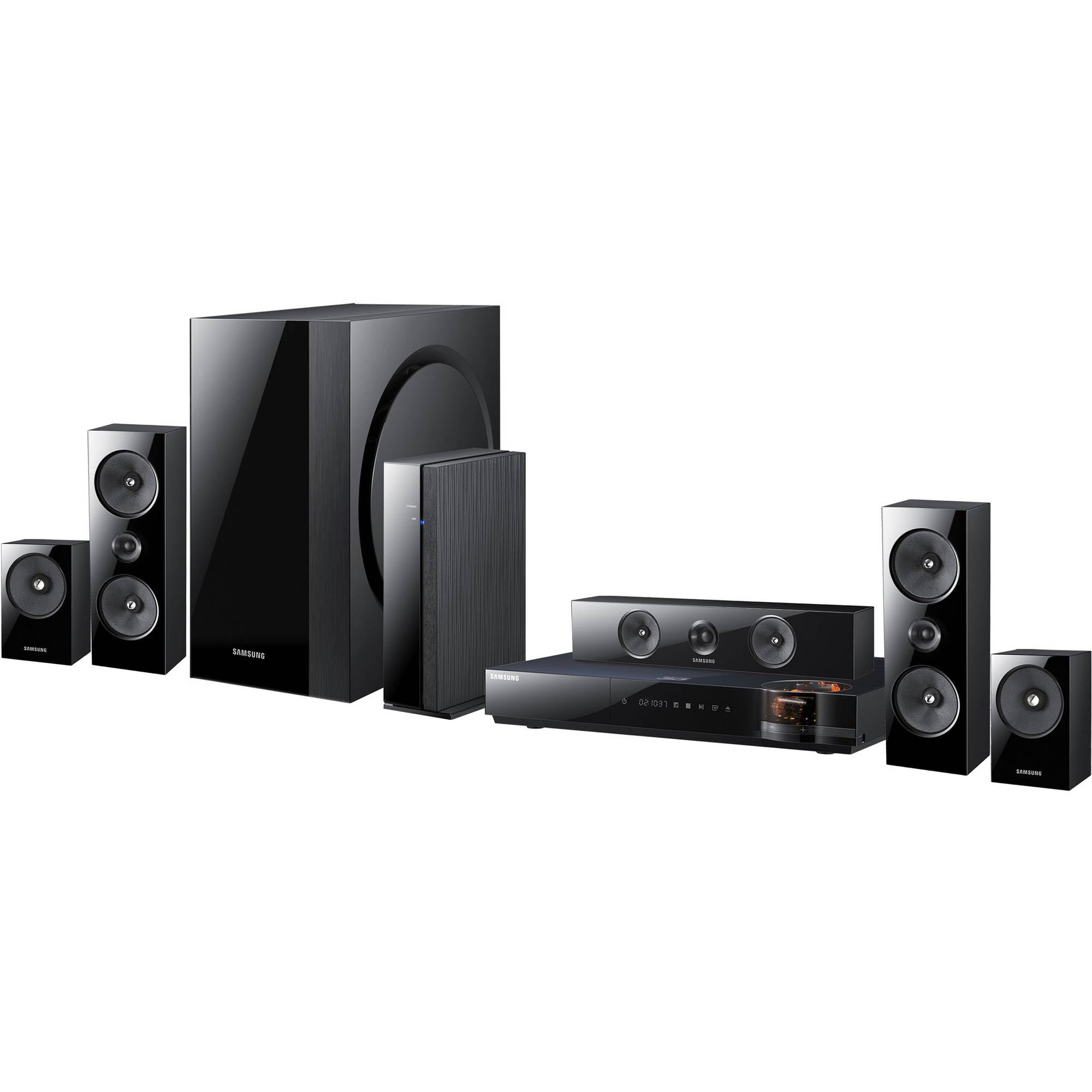
Slika: Prekoview of the Samsung HT-E6500W 5.1 Channel Home Theater System components.
Setup
1. Postavljanje zvučnika
Proper speaker placement is crucial for optimal surround sound experience. Position speakers as follows:
- Prednji zvučnici: Place to the left and right of your television, equidistant from the viewing position.
- Centralni zvučnik: Postavite direktno iznad ili ispod središta televizora.
- Surround zvučnici: Place to the sides or slightly behind the main listening area, at ear level when seated. The HT-E6500W features wireless rear speakers for easier setup.
- Subwoofer: Can be placed anywhere in the room, preferably near a wall or corner for enhanced bass response.
2. Povezivanje zvučnika
Connect the speaker cables from each speaker to the corresponding terminals on the main unit. Ensure correct polarity (positive to positive, negative to negative) for each connection. The wireless rear speakers connect to a separate wireless receiver module, which then communicates with the main unit.
3. Povezivanje s TV-om i drugim uređajima
Use an HDMI cable to connect the HDMI OUT port on the home theater system to an HDMI IN port on your television. For other devices like gaming consoles or set-top boxes, connect them to the HDMI IN ports on the home theater system.
4. Priključak za napajanje
Plug the power cord into the main unit and then into a wall outlet. Ensure all connections are secure before powering on the system.
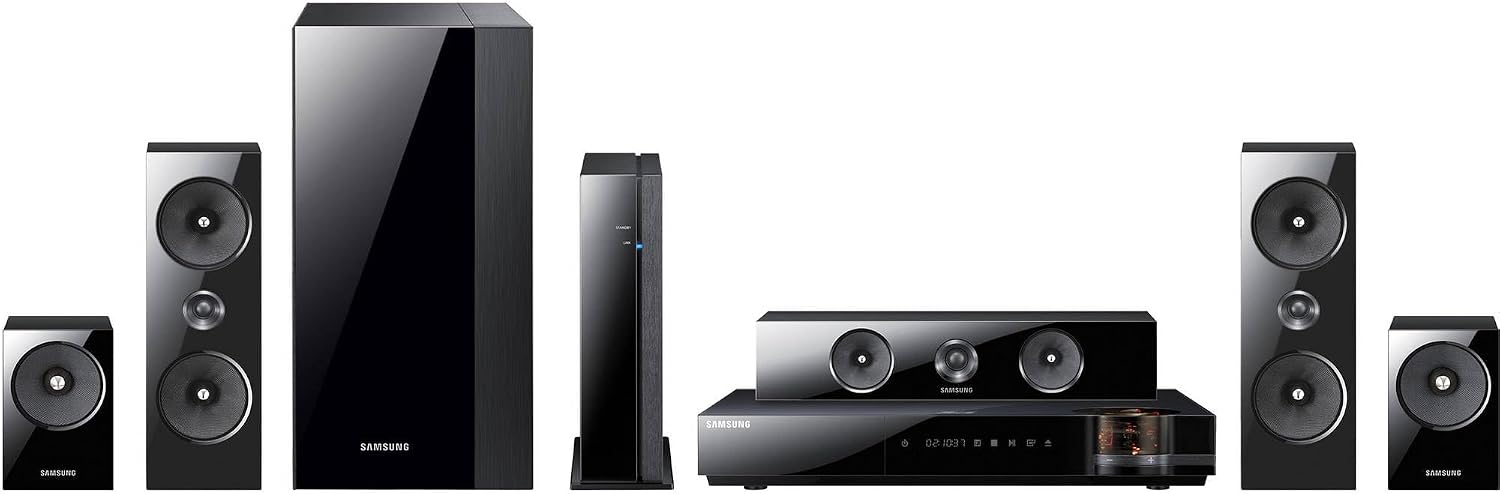
Slika: Detaljna view of the main unit and center speaker, illustrating connectivity points.
Uputstvo za upotrebu
1. Osnovne funkcije
- Uključivanje/isključivanje: Press the Power button on the remote control or the main unit.
- Kontrola jačine zvuka: Koristite tipke za pojačavanje/smanjivanje jačine zvuka na daljinskom upravljaču.
- Odabir ulaza: Press the Function button on the remote to cycle through available inputs (e.g., Blu-ray, HDMI 1, HDMI 2, AUX, Digital In).
2. Reprodukcija 3D Blu-ray diskova
Insert a 3D Blu-ray disc into the disc tray. The system will automatically detect the disc and begin playback. Ensure your television is 3D compatible and 3D glasses are worn for the 3D effect.
3. Smart Hub and Network Features
The system features built-in Wi-Fi for network connectivity. Connect to your home network to access Smart Hub, which provides various online services and applications. Navigate Smart Hub using the remote control.
4. iPod Cradle Usage
Connect your iPod to the provided iPod cradle. The system will detect the device, allowing you to play audio through the home theater speakers. Control playback using the system's remote or the iPod itself.
5. Režimi zvuka
Select various sound modes (e.g., Stereo, Surround Sound, Dolby Digital) to optimize audio for different content types. Refer to the remote control for specific sound mode buttons or menu options.
Održavanje
- čišćenje: Use a soft, dry cloth to clean the exterior surfaces of the main unit and speakers. Do not use liquid cleaners or abrasive materials.
- ventilacija: Ensure that the ventilation openings on the main unit are not blocked to prevent overheating.
- Održavanje diskova: Handle Blu-ray discs by their edges. Store discs in their cases to prevent scratches and dust accumulation.
Rješavanje problema
| Problem | Moguće rješenje |
|---|---|
| Nema struje | Check if the power cord is securely connected to the unit and the wall outlet. Ensure the outlet is functional. |
| Nema zvuka | Verify speaker connections. Check the volume level and mute status. Ensure the correct input source is selected. |
| No picture from Blu-ray | Check the HDMI cable connection between the system and the TV. Ensure the TV is set to the correct HDMI input. Try a different disc. |
| Daljinski upravljač ne radi | Replace the batteries in the remote control. Ensure there are no obstructions between the remote and the main unit's sensor. |
| Wireless rear speakers not connecting | Ensure the wireless receiver module is powered on and within range of the main unit. Refer to the wireless module's specific pairing instructions. |
Specifikacije
- Naziv modela: HT-E6500W
- Audio kanali: 5.1 Channel
- Ukupna izlazna snaga: 1000 Watts
- Kompatibilnost diskova: 3D Blu-ray, Blu-ray, DVD, CD
- Povezivanje: HDMI (Input/Output), Built-in Wi-Fi, USB, Optical Digital Audio In
- Posebne karakteristike: Smart Hub, iPod Cradle, Wireless Rear Speakers
- Boja: Crna
- Težina artikla: Approximately 8.5 pounds (main unit)
Informacije o garanciji
This product is covered by a limited warranty. For specific terms and conditions, please refer to the warranty card included with your product or visit the official Samsung webSačuvajte račun kao dokaz o kupovini za reklamacije u slučaju reklamacije.
Korisnička podrška
For technical assistance, service, or product inquiries, please contact Samsung Customer Service. Contact information can be found on the official Samsung webweb-mjestu ili u dokumentaciji koja se isporučuje s vašim proizvodom.
Online podrška: www.samsung.com/us/support/