
Uvod
This manual provides detailed instructions for the Logilink ID-0062 Flat Style Slim USB Optical Mouse. Please read this manual thoroughly before using the device to ensure proper setup and operation. Keep this manual for future reference.
Sadržaj paketa:
- 1 x Logilink ID-0062 Flat Style Slim USB Optical Mouse
Setup
The Logilink ID-0062 mouse is designed for easy installation with its Plug and Play functionality. No additional drivers are typically required for basic operation.
Povezivanje miša:
- Pronađite slobodan USB port na vašem računaru.
- Insert the USB connector of the Logilink ID-0062 mouse into the USB port.
- Your operating system (Windows or Apple MacOS) will automatically detect and install the necessary drivers. This process may take a few moments.
- Nakon završetka instalacije, miš je spreman za upotrebu.
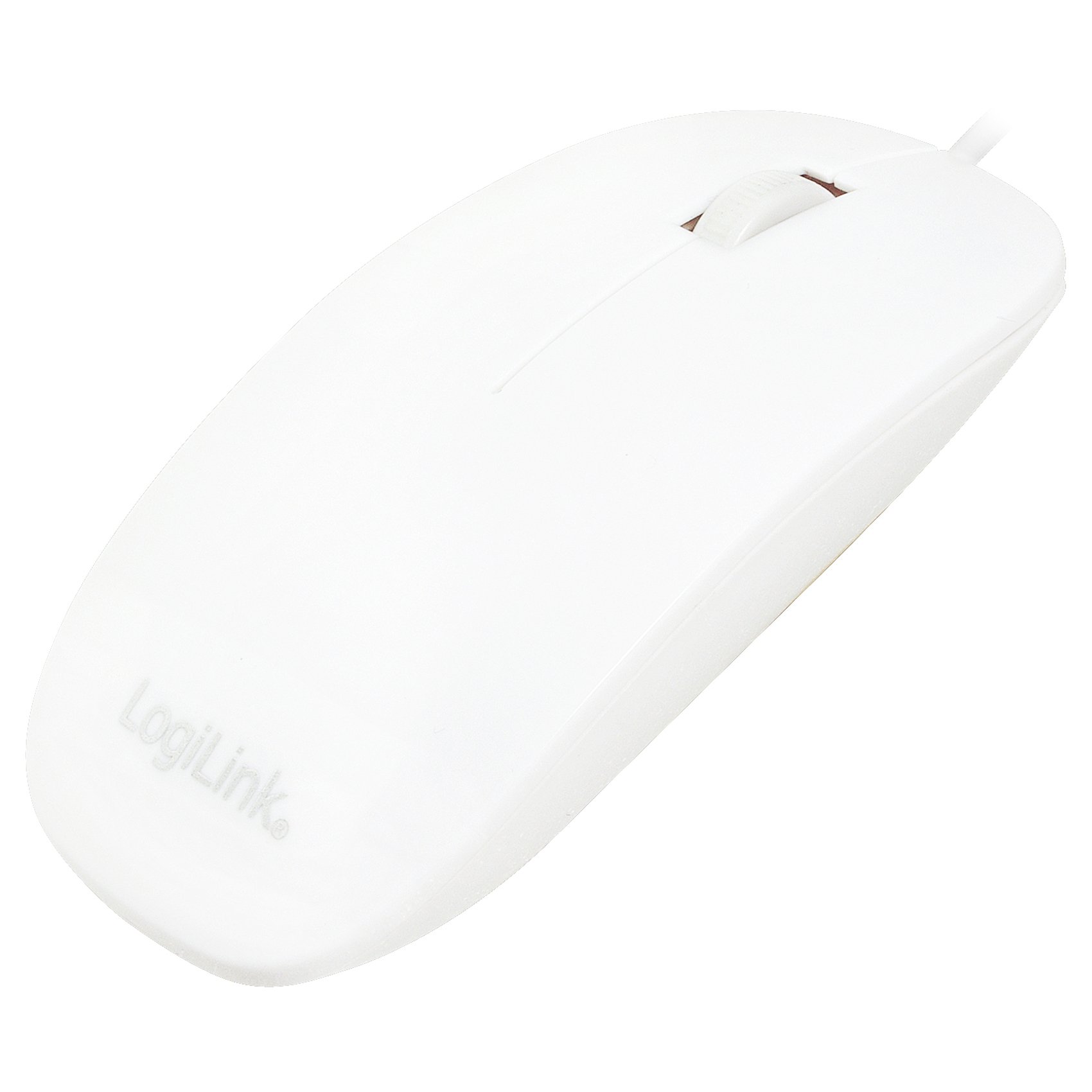
Figure 1: Logilink ID-0062 mouse in its retail packaging, showing the product as received.
Operacija
The Logilink ID-0062 is a standard 3-button optical mouse with a scroll wheel, offering precise 1000 dpi movement resolution.
Osnovne funkcije:
- Lijevo dugme: Primary click function, typically used for selecting items, opening files, or activating links.
- Desno dugme: Secondary click function, typically used to open context menus or access additional options.
- Točak za pomicanje: Koristi se za vertikalno skrolovanje kroz dokumente i web stranice. Kotačić za pomicanje također funkcionira kao srednji gumb kada se pritisne.
- optički senzor: The optical sensor on the underside of the mouse tracks movement on most surfaces, providing accurate cursor control.

Figure 2: The Logilink ID-0062 mouse, showcasing njegov tanak profesionalnifile i raspored dugmadi.
Održavanje
Proper care and maintenance will extend the lifespan of your Logilink ID-0062 mouse.
čišćenje:
- Prije čišćenja isključite miš iz računara.
- Koristite meku, lagano damp cloth to wipe the surface of the mouse. Avoid using harsh chemicals, abrasive cleaners, or excessive moisture.
- For the optical sensor, use a dry cotton swab to gently remove any dust or debris. Do not insert any objects into the sensor opening.
Skladištenje:
- Čuvajte miša na čistom, suhom mjestu, dalje od ekstremnih temperatura i direktne sunčeve svjetlosti.
- Avoid bending or kinking the USB cable excessively to prevent damage.
Rješavanje problema
If you encounter issues with your Logilink ID-0062 mouse, refer to the following common problems and solutions.
Miš ne reaguje:
- Provjerite USB vezu: Ensure the USB connector is fully inserted into the computer's USB port. Try unplugging and re-plugging the mouse.
- Pokušajte s drugim USB priključkom: Connect the mouse to another USB port on your computer to rule out a faulty port.
- Ponovo pokrenite računar: Sometimes, a simple computer restart can resolve connectivity issues.
- Testirajte na drugom računaru: If possible, test the mouse on a different computer to determine if the issue is with the mouse or your computer's setup.
Nepravilno kretanje kursora:
- Očistite optički senzor: Dust or debris on the optical sensor can interfere with tracking. Refer to the Maintenance section for cleaning instructions.
- Change Surface: The optical sensor may not track well on highly reflective, transparent, or uneven surfaces. Try using a mouse pad or a different surface.
Specifikacije
| Feature | Opis |
|---|---|
| Model | ID-0062 |
| Tehnologija povezivanja | Žičani, USB |
| Interface | 1 x USB - 4 PIN USB Type A |
| Otkrivanje pokreta | Optički |
| Movement Resolution | 1000 dpi |
| Buttons Quantity | 3 (Lijevo, Desno, Kotačić za pomicanje/Sredina) |
| Karakteristike | Scrolling wheel, Flat Style, Slim Design, Plug and Play |
| Usklađeni standardi | Plug and Play, RoHS |
| Podrška za operativni sistem | Apple MacOS, Microsoft Windows |
| Težina artikla | 2.46 unci (približno 70 grama) |
| Dimenzije proizvoda (DxŠxV) | 2.17 x 5.91 x 0.67 inča (približno 5.5 x 15 x 1.7 cm) |
| Boja | Bijelo |
| Izvor napajanja | Električni uređaj s kablom (putem USB-a) |
Garancija i podrška
For warranty information, please refer to the documentation provided with your purchase or contact your retailer. For technical support or further assistance, please contact Logilink customer service through their official website or the contact information provided with the product.